12 How to reset password in PASS Portal
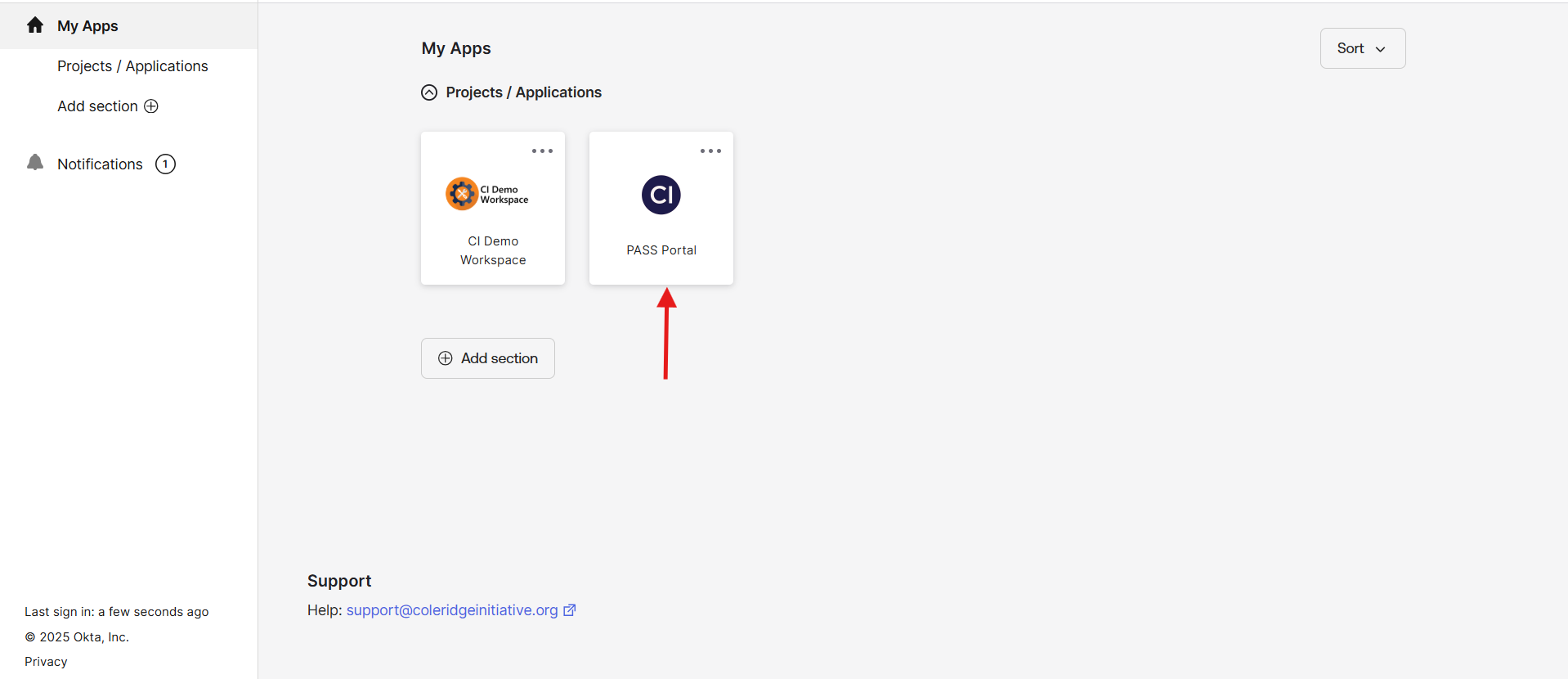
Log into the Okta ADRF portal and navigate to the Pass Portal in the Okta ADRF Portal as shown below:
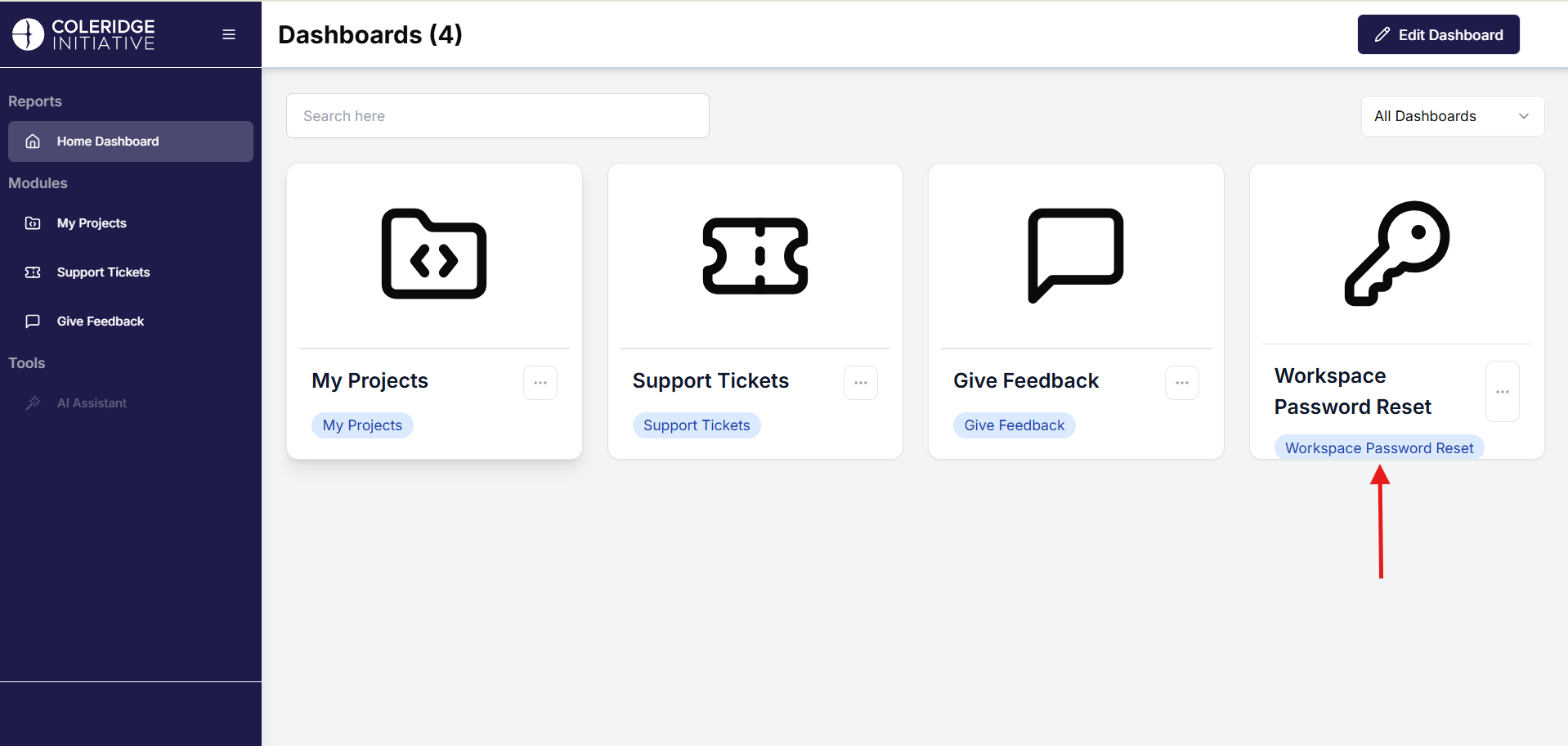
Click on the tile on the rightmost side of the Pass Portal app called “Workspace Password Reset” as shown below.
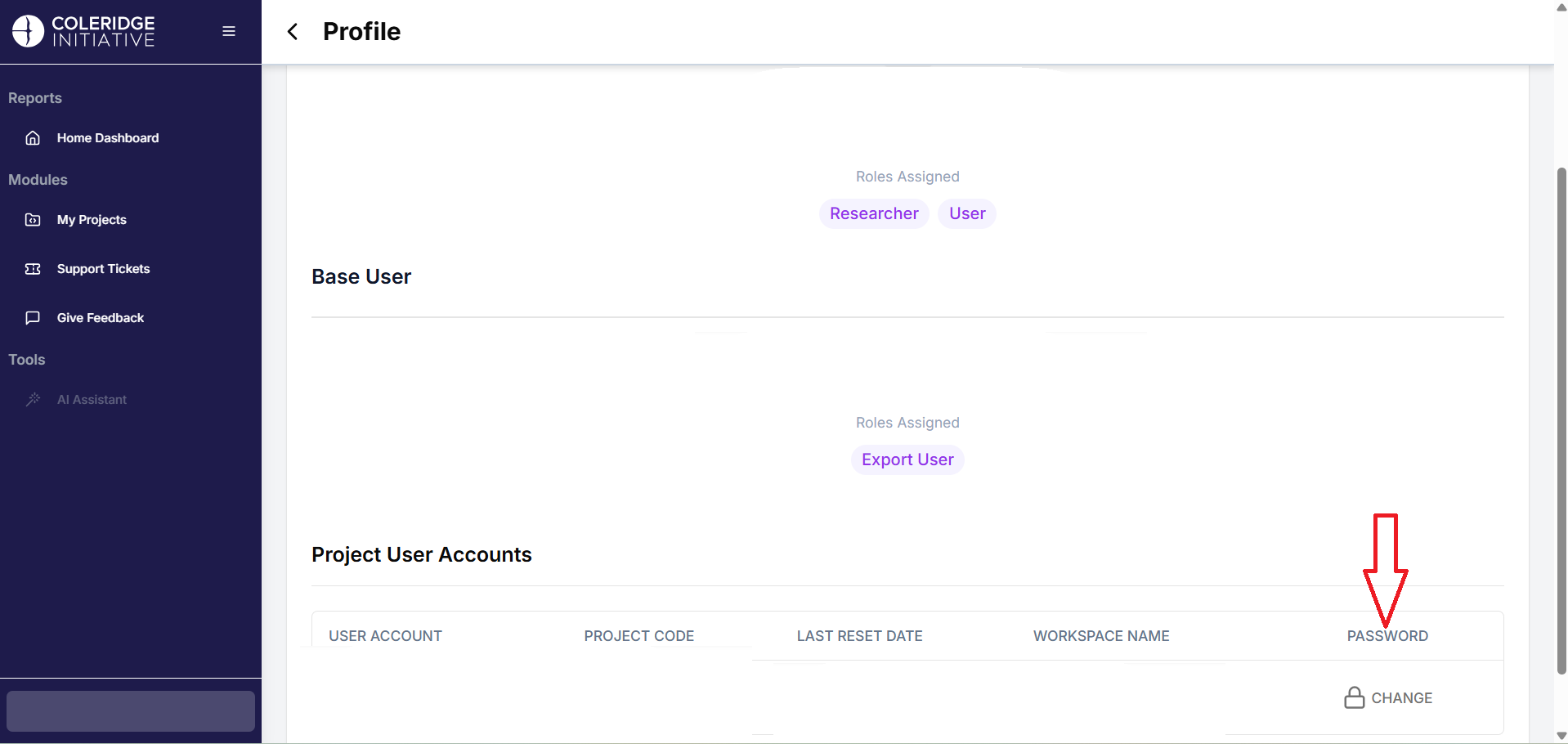
This will direct you to your profile page. You can see information like the Base User and Project User Accounts. Under the Project User Accounts, click on the Change button under “Password.” Refer to the image underneath.
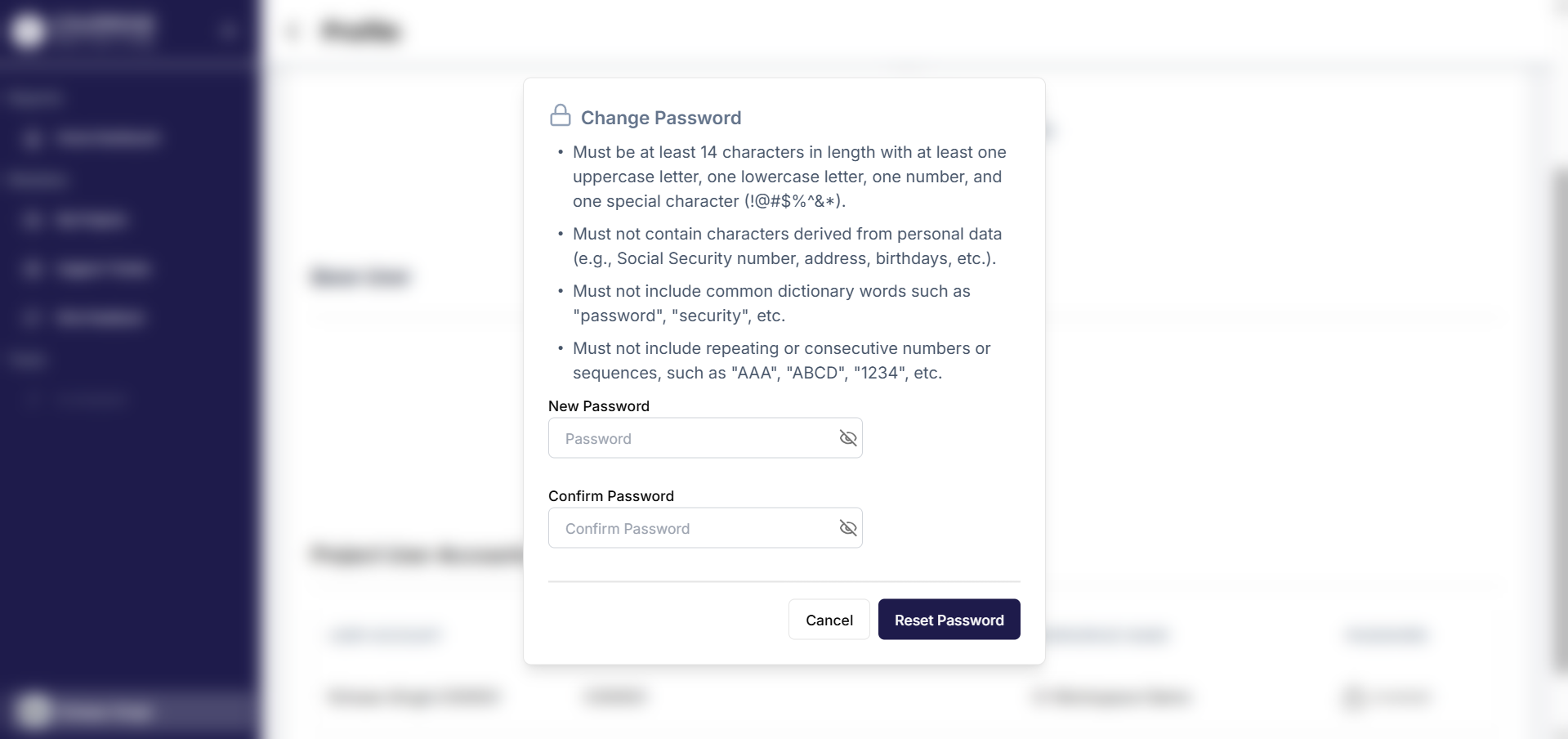
You will see a popup that asks you to enter a new password that need to match a guideline to ensure security. Refer to the image below for the guideline.
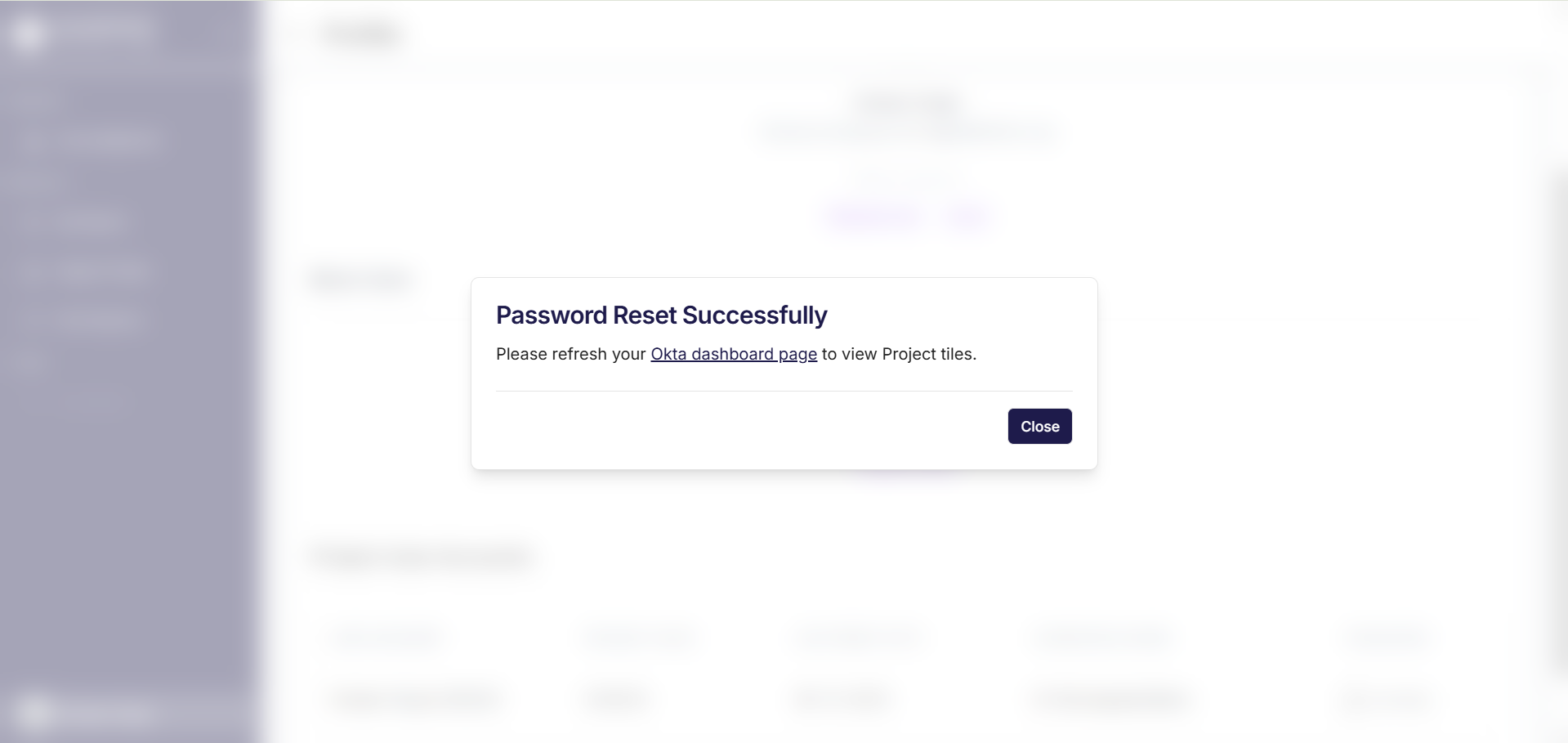
That’s all! You should be good to go. You will be met with the following screen.
If you run into any issues, please reach out to us at support@coleridgeinitiative.org.
⬅️ Previous: Redshift Querying Guide | Back to Home | Next: FAQ ➡️