10 Adding Additional Packages in R/Python
The ADRF has an internal package repository, so users can install packages for R and Python themselves.
The repositories that are currently mirrored in the ADRF are CRAN for R packages and PyPi.org for Python. There is currently no access to packages hosted on Github or other mirrors.
Note: If you are working in a shared workspace for a project, each user in the project must install the packages, there is no shared package installation for projects.
Topics
Add additional R packages
To install R packages, simply use the code below and the package will be installed from the repository. You will not have to re-install the package again, and to use the package load it with the library() function. For example:
install.packages("packagename")** Example**: Installing tidyverse

To install a specific package version you can specify:
install.packages("remotes")

remotes::install_version("tidyverse", "1.3.2")Note: We recommend starting R using Rstudio for best results, instead of double clicking on a R or Rmarkdown script.
Add additional Python packages
Similar to R packages, Python packages may be installed using the Package Installer for Python (pip).
Note: We recommend installing python packages from the command line. If you start Jupyter lab, and choose the Terminal tab:
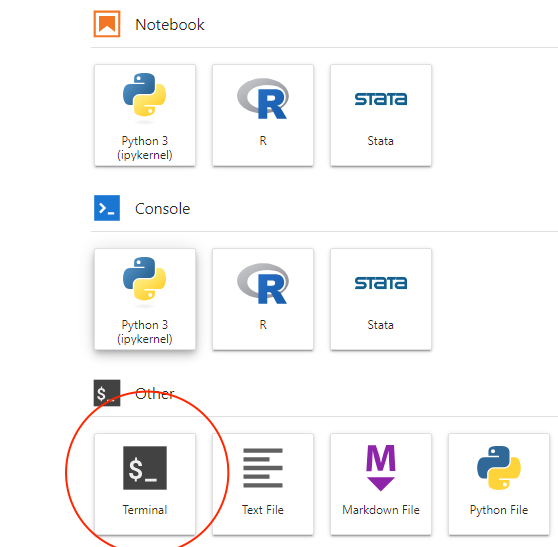
Then install your package using pip, for example, to install the pandas package:

Then you may use the package within your Jupyter notebook as usual.
To install a specific package version type:
pip install pandas==1.2.3⬅️ Previous: Do’s and Don’ts for Discussing Data Hosted in the ADRF | Back to Home | Next: Redshift Querying Guide ➡️